Clinic owners
Revenue, collection rate and outstanding balances per branch and per doctor, without waiting for a month-end report or asking the accountant.
Open one screen and know where the day stands: who is booked, who arrived, what was invoiced and what is still owed. The dashboard reads from the records your team is already filling in, so nothing has to be entered twice to make a number appear.
Most clinic software buries the answer in a report you have to run, with a date range to pick and a filter to remember. The Dentolize dashboard puts the working numbers on the first screen after login, split by branch and by doctor, and refreshes them as the day happens rather than when someone asks.
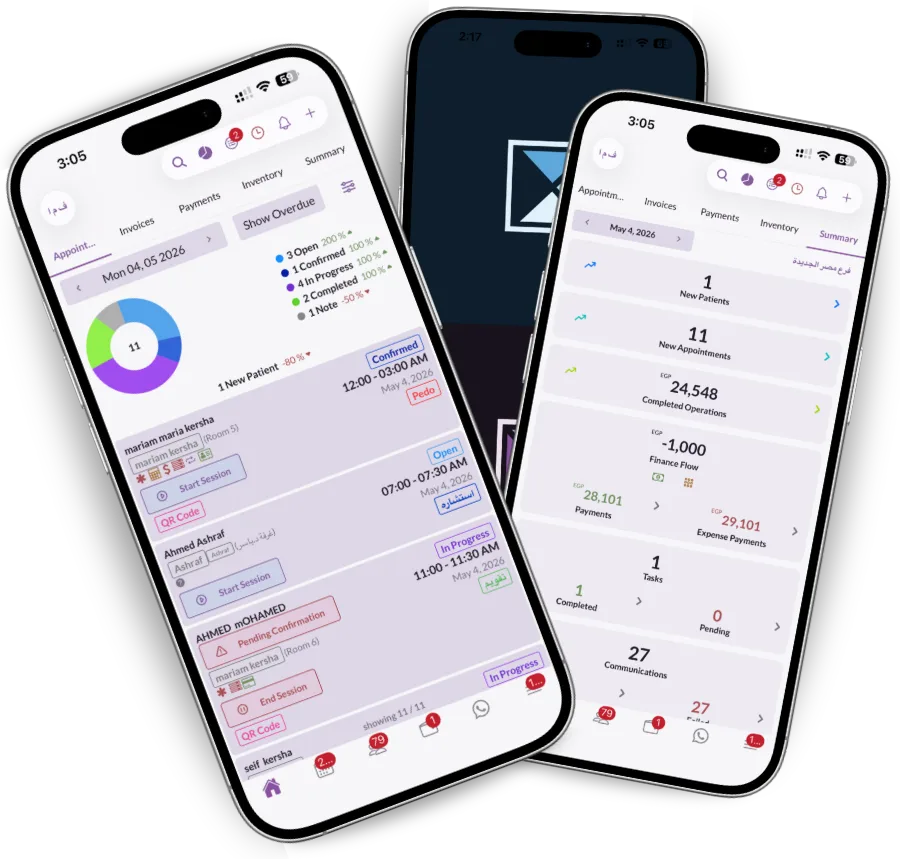
A receptionist and an owner need different numbers from the same day. Summary, appointments, invoices, payments and inventory each get their own tab, so both can open the same dashboard and land on the part that matters to them without scrolling past the rest or asking someone to export something.
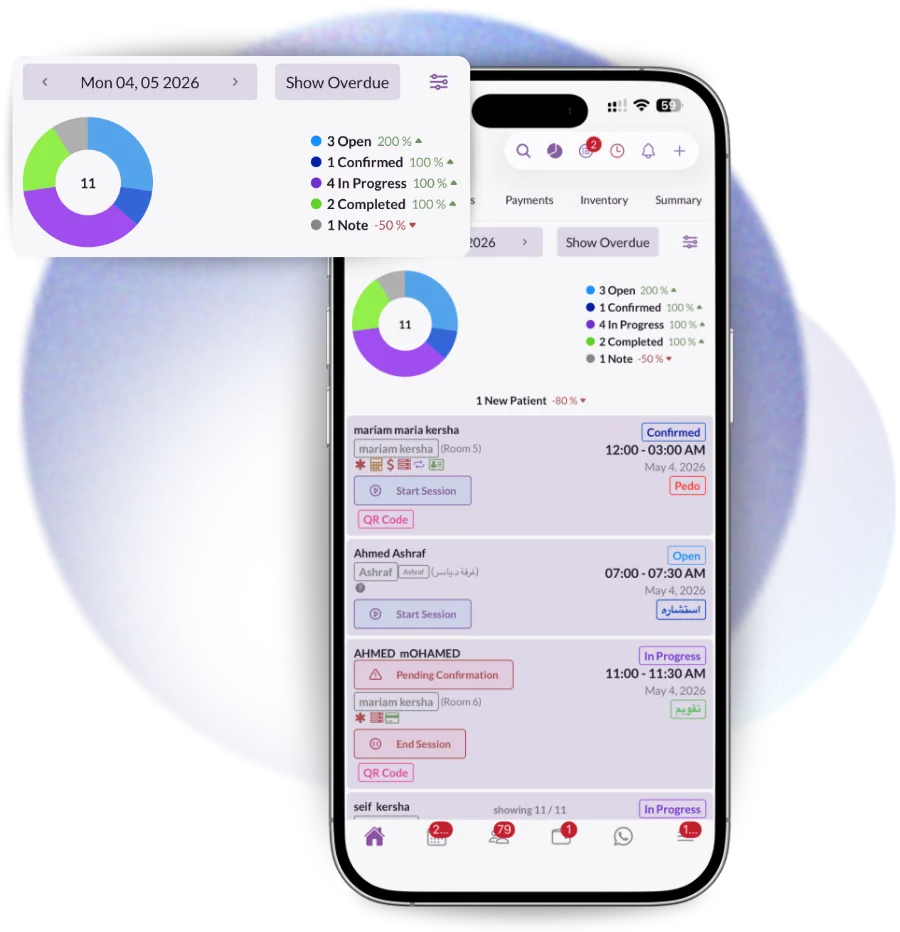
A number on the dashboard is a link, not a dead end. Click the collected figure and you reach the payments behind it; click a payment and you reach the invoice, the procedure, the tooth and the doctor who did the work. That is the difference between a report you read and an investigation you run.
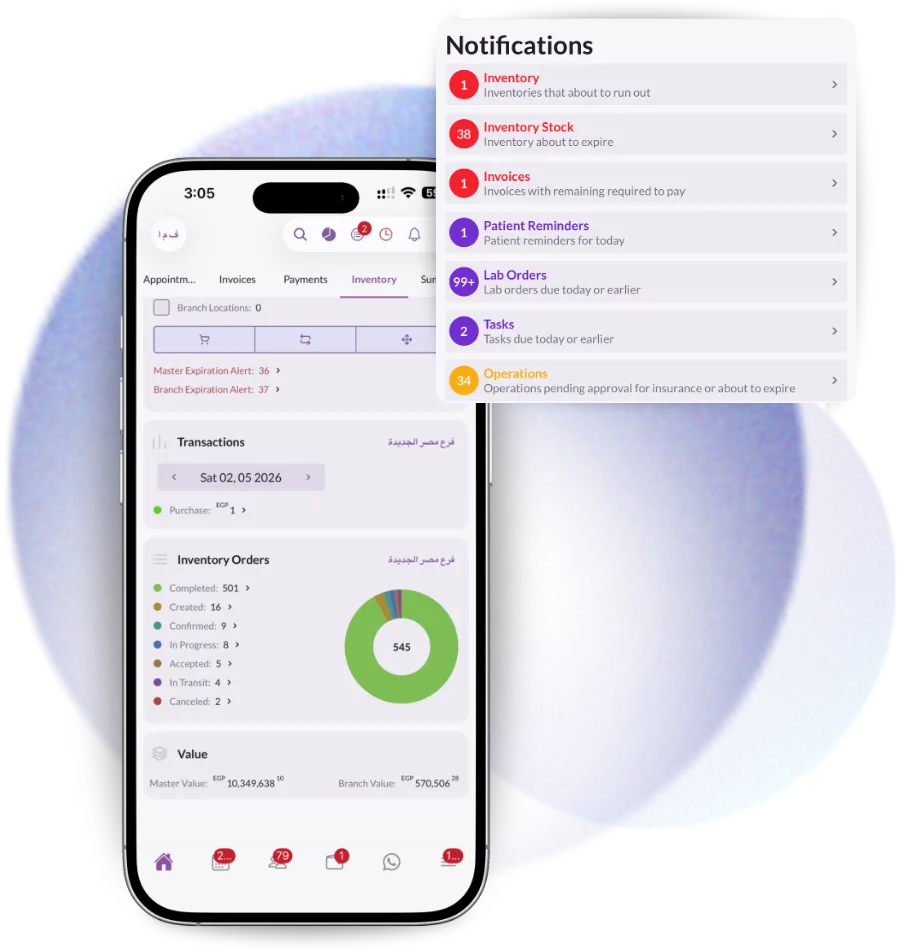
The same screen answers a different question depending on who opened it, which is why it is the first thing everyone sees after login.
Revenue, collection rate and outstanding balances per branch and per doctor, without waiting for a month-end report or asking the accountant.
Who is due in, who has arrived, who has not confirmed, and which invoices are still unpaid before the patient leaves the chair.
Every location on one account, compared side by side, while each branch manager sees only their own numbers.
Most clinics answer these questions once a month, from a spreadsheet somebody had to remember to update.
It shows the state of the clinic right now: appointments booked and attended today, revenue invoiced and collected, outstanding patient balances, new patients and where they came from, and stock that needs attention. In Dentolize each of those is live rather than a report you run.
Yes. Owners see every branch and can compare them side by side, while a branch manager sees only their own location. The split is controlled by the permission group rather than by separate logins.
Yes. The same dashboard is in the iOS, Android and Huawei apps, with push notifications when a booking, payment or task lands.
Yes. Revenue, operations and new patients all break down by doctor, and because every figure links back to the operation that produced it, doctor commissions are calculated from the same records rather than re-entered.
The dashboard defaults to the current period but the range is yours to set, and the underlying records are kept for the life of the account. Historic comparisons sit in the reports and analytics module.
Track performance, spot problems early and make decisions that grow the clinic. Dentolize reports on revenue,…
Read moreTrack payments, invoices, expenses and treasury in real time. Dentolize gives dental clinics full financial…
Read moreOne patient file with medical history, dental chart, x-rays, invoices, payments and consent in one place. Dentolize…
Read moreThirty minutes on how your clinic actually runs, not a generic slideshow. We will call you within 24 hours.