Patients
Open an invoice, pay it, fetch a prescription or check in without waiting for someone at the desk.
Every document the clinic produces can carry a QR code that opens it: the invoice, the prescription, the lab order, the payment link, the patient’s own file. Scanning replaces a phone call, and the page is generated from live data rather than printed once.
The code does not contain the document — it points at a page that reads from the record. If an invoice is paid or a prescription is updated, the page anyone scans reflects it.
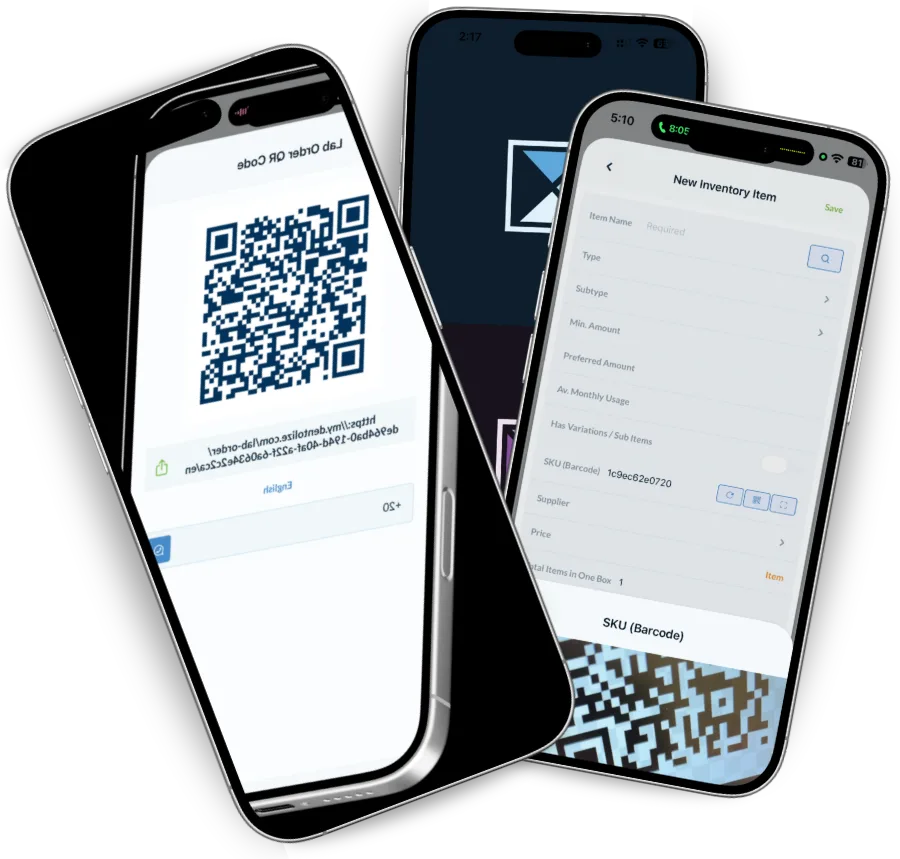
A code at reception lets the patient announce their arrival, which moves them to checked-in on the calendar and tells the chair they are waiting. Useful when the desk is busy and essential when you would rather people did not queue at it.
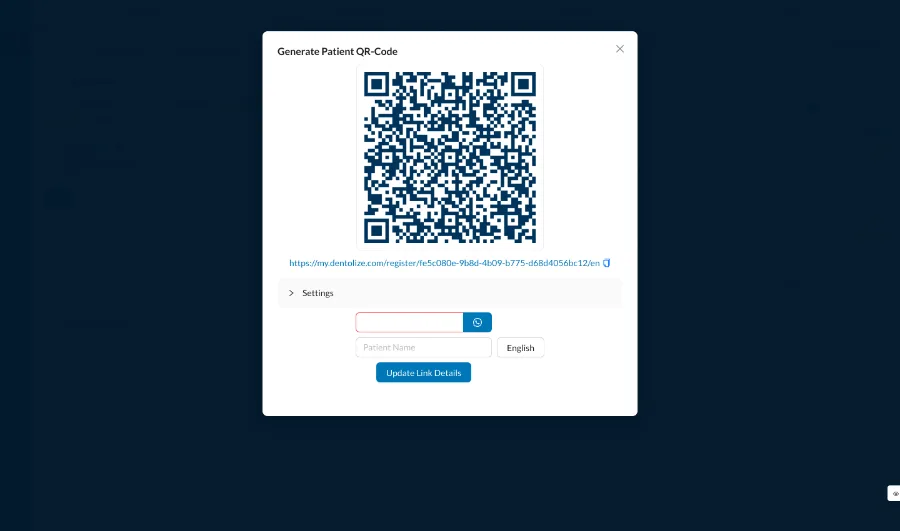
For Saudi Arabia, the QR code on a tax invoice is not optional. Dentolize generates it as part of the invoice, carrying the seller, the VAT number, the timestamp and the totals in the format the authority expects.
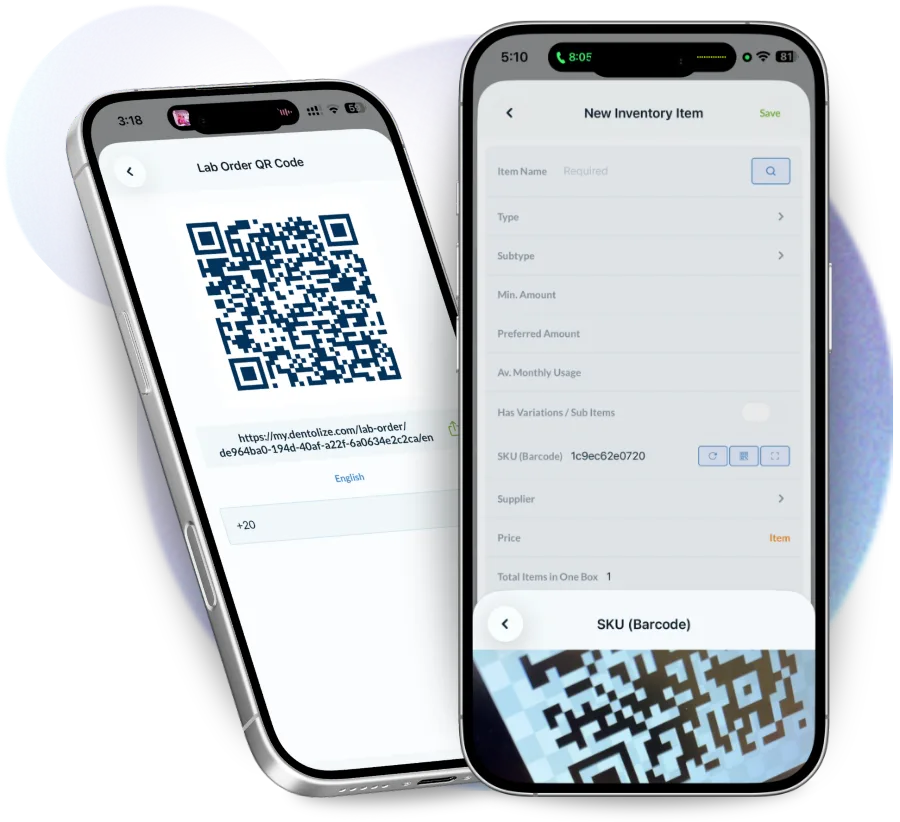
QR codes work here because the alternative is always a phone call to reception.
Open an invoice, pay it, fetch a prescription or check in without waiting for someone at the desk.
Verify a prescription is genuine and current before dispensing it.
Read the case prescription and attachments without an account on your system.
A printed document is out of date the moment something changes.
No sign-up and no form: the file downloads directly.
Invoices with a payment link, prescriptions, lab orders, treatment plans and quotations, the patient’s own file, and a self check-in page. Each one is generated from live data rather than frozen at the time of printing.
Yes. Tax invoices in Saudi Arabia carry the required QR encoding the seller, VAT number, timestamp and totals, generated as part of the invoice rather than added afterwards.
No. Any phone camera opens the page, and the page works in a normal browser in Arabic or English.
Yes. Scanning the code at reception moves them to checked in on the calendar and shows their position in the queue.
The links are single-purpose and carry only the document they point at. They do not give access to the clinic system or to any other patient’s records.
Drag-and-drop calendar per room and doctor, online booking, waiting lists and no-show tracking, from first contact…
Read moreTrack payments, invoices, expenses and treasury in real time. Dentolize gives dental clinics full financial…
Read moreAutomate patient communication with Dentolize's WhatsApp bot — online booking, appointment reminders, prescription…
Read moreThirty minutes on how your clinic actually runs, not a generic slideshow. We will call you within 24 hours.