Dentists
Chart at the chair, check the next patient, and see the day without going back to a workstation.
The full product in your pocket — calendar, patient charts, invoices and inventory — with a push the moment a booking, payment or task lands. Native on all three stores, and charting keeps working when the connection does not.
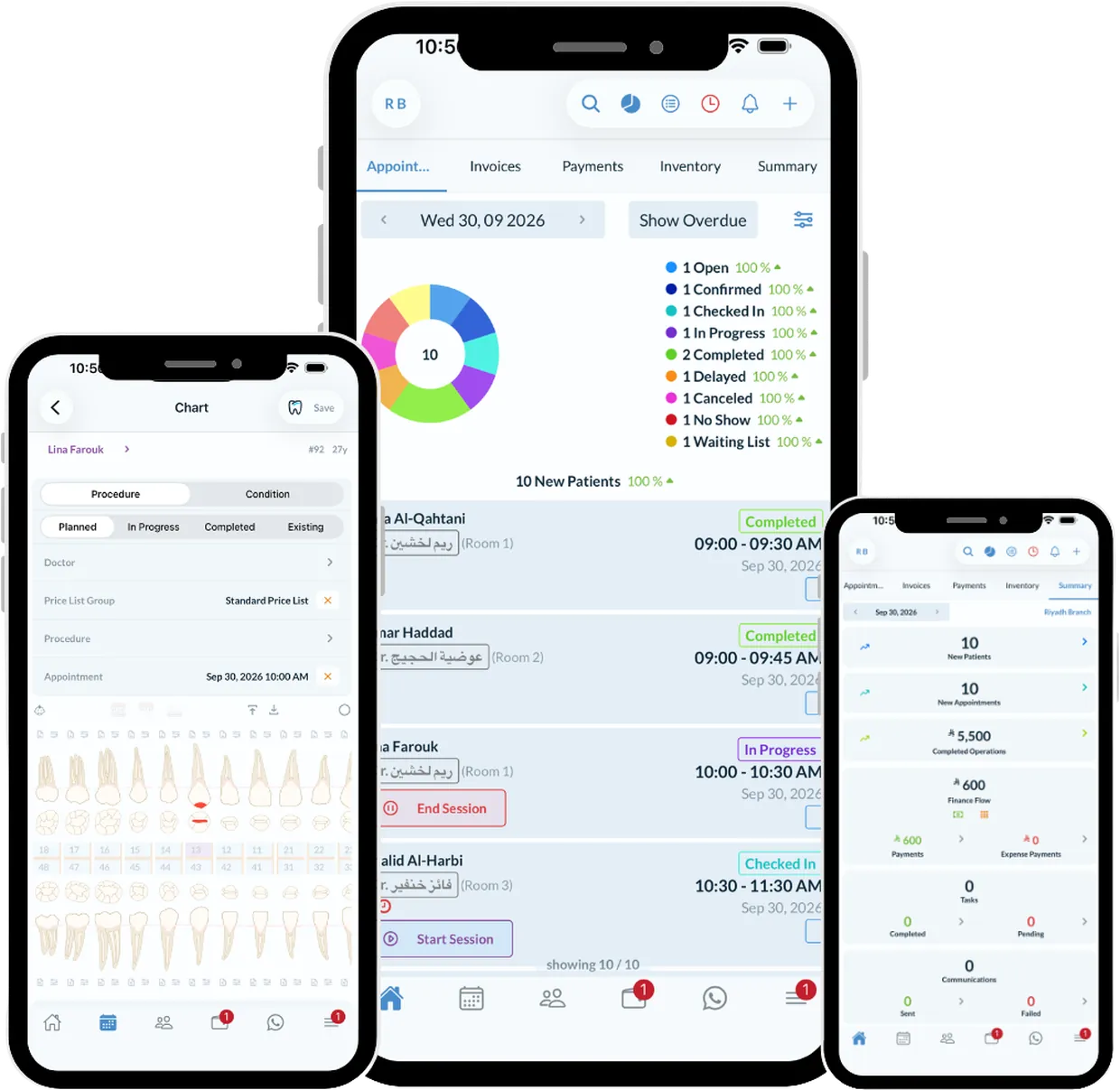
Mobile apps for clinic software are usually a viewer. This one is the product: you can chart, plan, invoice, take a payment and move an appointment from the phone, and it is the same record the desktop is looking at.
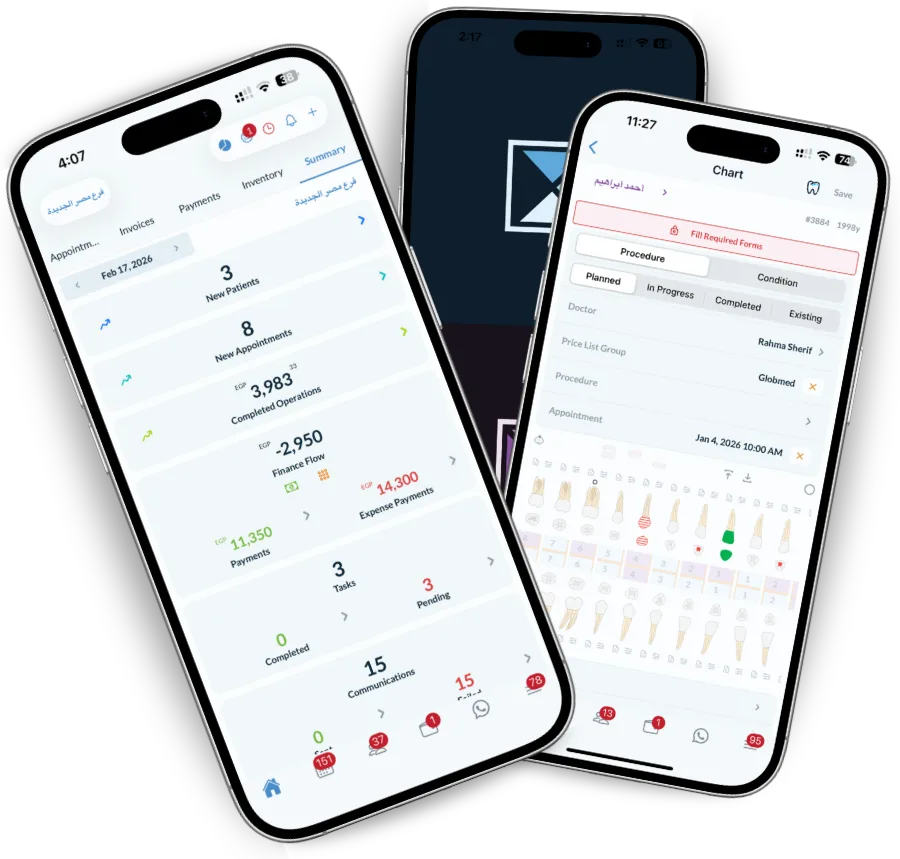
A booking arrives, a payment clears, a lab case comes back, a task is assigned — the person who needs to know finds out without anyone telling them.
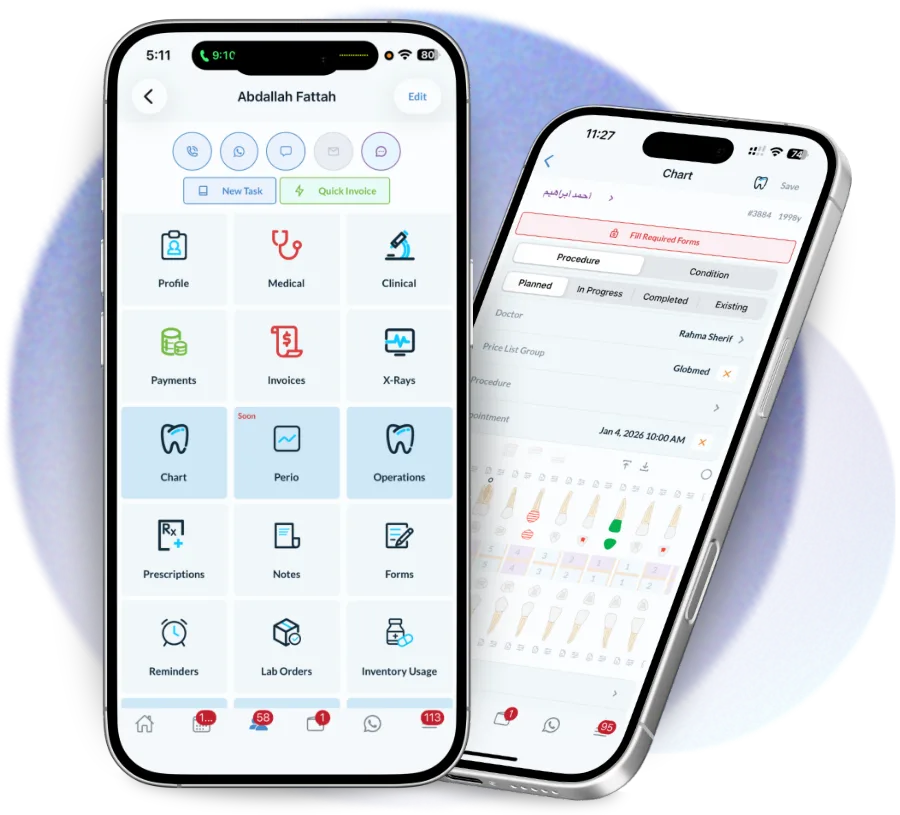
Clinics have dead spots, and treatment does not stop for them. Charting continues offline and syncs as soon as the signal is back.
The phone is the device a dentist actually has on them between chairs.
Chart at the chair, check the next patient, and see the day without going back to a workstation.
The dashboard, revenue and alerts from anywhere, including when they are at another branch.
Check patients in, take payments and see tasks without queuing for the desk computer.
Clinic software that only runs on the front-desk PC gets used at the front desk, and nowhere else.
Yes. The apps are included on every plan — there is no separate mobile licence.
iOS on the App Store, Android on Google Play and Huawei on AppGallery, all native rather than a wrapped website.
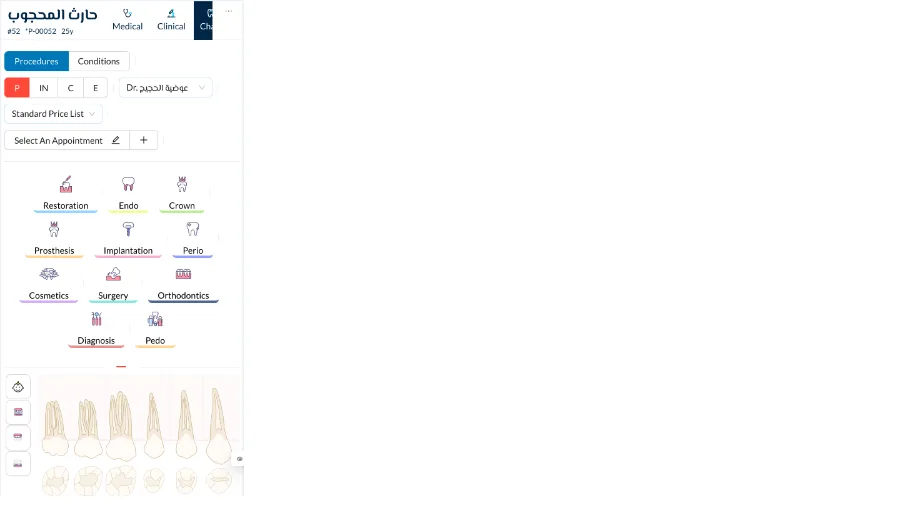
Yes. The dental chart, treatment planning, notes and voice notes all work on the phone, against the same record the desktop uses.
Charting and notes continue without a connection and sync automatically once you are back online.
Yes. Push notifications for bookings, cancellations, payments, lab cases and assigned tasks, configurable per role so the alerts stay useful.
See today's appointments, revenue, no-shows and operations at a glance. Dentolize's dynamic dashboard gives dental…
Read moreDrag-and-drop calendar per room and doctor, online booking, waiting lists and no-show tracking, from first contact…
Read moreChart treatments, track conditions and record operations digitally. Dentolize's interactive dental chart replaces…
Read moreThirty minutes on how your clinic actually runs, not a generic slideshow. We will call you within 24 hours.