Front desk
Confirmations, reminders and recalls that used to be typed out one at a time.
When an appointment is booked, a message goes out. When an invoice is raised, a payment link follows. When a lab case changes state, the right person gets a task. Set the rule once and the clinic stops depending on anyone remembering.
Automation here is tied to real events in the clinic — a booking, a completed procedure, an invoice, a missed appointment — rather than to a calendar of blasts. That is what keeps the messages relevant enough that patients read them.
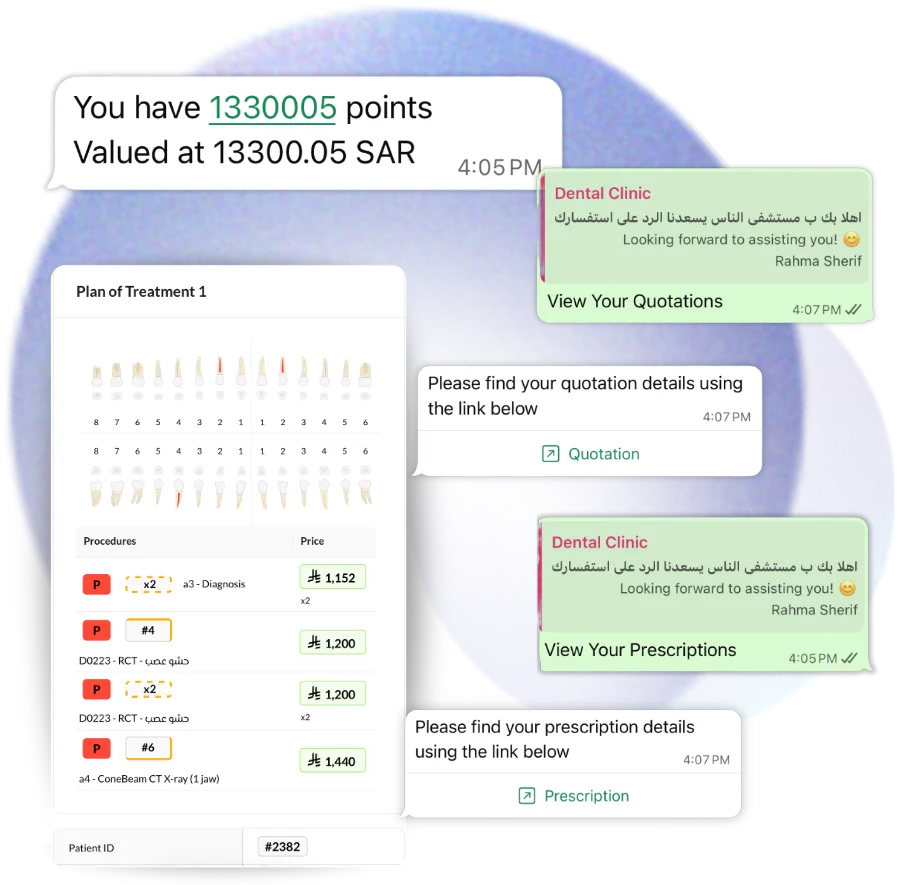
Not every automation is a message. A lab case going overdue, a claim being rejected or a stock item hitting its reorder level can raise a task for whoever owns that area.
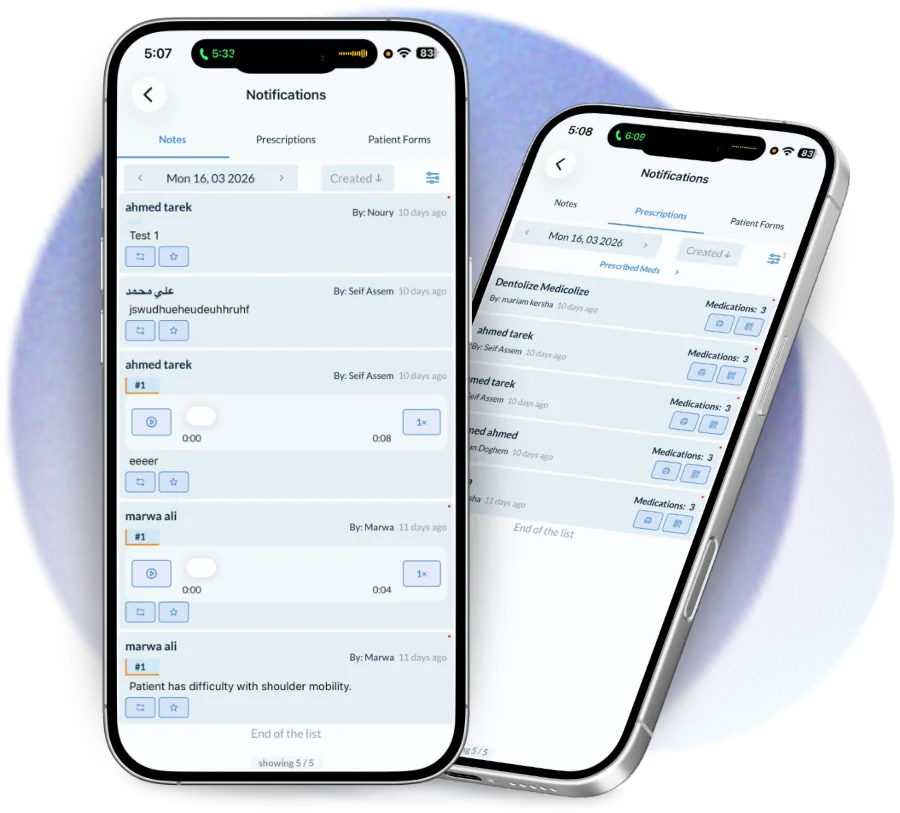
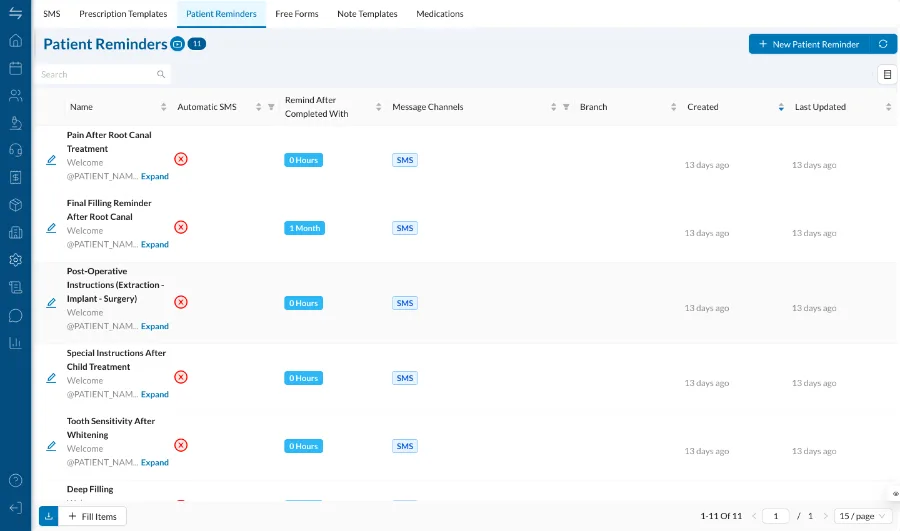
Automation is only useful if you can tell what it is doing. Every rule is listed, can be switched off, and shows what it has sent, so there are no messages going out that nobody in the clinic knows about.
The routine work in a clinic is not hard. It is just constant, and it is the first thing to slip on a busy day.
Confirmations, reminders and recalls that used to be typed out one at a time.
Follow-up on overdue lab cases, rejected claims and low stock, raised as tasks rather than noticed by accident.
Fewer no-shows and faster collection, because the chasing happens whether or not anyone had time.
Every clinic intends to send reminders. Most send them on the quiet days.
Runs in your browser, no sign-up, and nothing about your patients leaves it.
No sign-up and no form: the file downloads directly.
Appointment confirmations and reminders, invoice and payment links, prescriptions, aftercare and feedback requests, recalls, birthday messages, and task assignment on events like an overdue lab case or a rejected insurance claim.
Yes, through the official WhatsApp Business API, and SMS is available as a fallback where a patient has no WhatsApp.
Yes, in Arabic and English, per branch. Templates that go over WhatsApp follow the approval process the Business API requires.
Not unless you want them to be. Quiet hours hold messages until the morning.
Yes. Every automated message is logged against the patient file with its time and delivery status, and each rule shows what it has triggered.
Automate patient communication with Dentolize's WhatsApp bot — online booking, appointment reminders, prescription…
Read moreDrag-and-drop calendar per room and doctor, online booking, waiting lists and no-show tracking, from first contact…
Read moreDental CRM software that tracks every lead from first enquiry to booked treatment — source, owner, stage and…
Read moreThirty minutes on how your clinic actually runs, not a generic slideshow. We will call you within 24 hours.