Patients

Dental patient management software

The patient list is the spine of a clinic. Everything else — the chart, the invoice, the recall — hangs off finding the right person quickly and seeing their whole history in one place, whichever branch treated them.

☰Branch ▾Doctor ▾Insurance ▾Tags ▾Referral ▾Sort: Last visit ⇅Showing 4 of 162
CSVExcelPrintEvery column is filterable, sortable and exportable
Patients
BABalsam Al-NajjarInstagramVIPInsured12 Mar 24016 Sep
EBEzz Aldin Al-BishriReferralOrtho02 Jan 231,50016 Sep
RBReem BodiahGoogleRecall28 Jul 25010 Sep
AIArwa IdreesWalk-inImplantInsured19 Nov 222,33404 Sep
Plus loyalty points, treatment history, recalls and 20 more columns you can add to this view.

A list you can actually search

Most clinics lose more time to finding a patient than to treating them. Names are spelled three ways, the phone number is the only reliable key, and the file from the other branch is a different file. A patient list is only useful if it answers a half-remembered query.
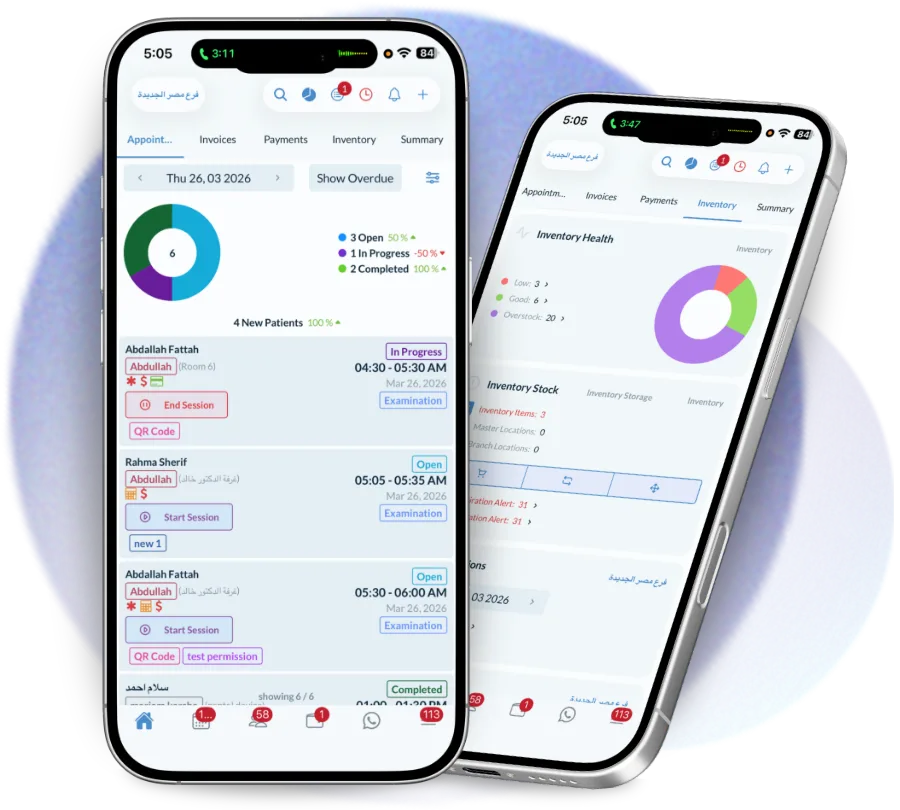
  • Search by name, phone, national ID, file number or insurance member number
  • Tolerant of spelling, so a transliterated Arabic name still finds the record
  • One record per person across every branch, not one per location
  • Filters for branch, doctor, insurer, tag, referral source and last visit
  • Export to CSV, Excel or print for anything the screen cannot answer
The patient list in the Dentolize app, searchable by name, phone, file number and treatment

What the row tells you before you open it

The list itself should answer the common questions, so the front desk does not open four records to find the one with an unpaid balance. Each row carries the facts that change how you greet someone.
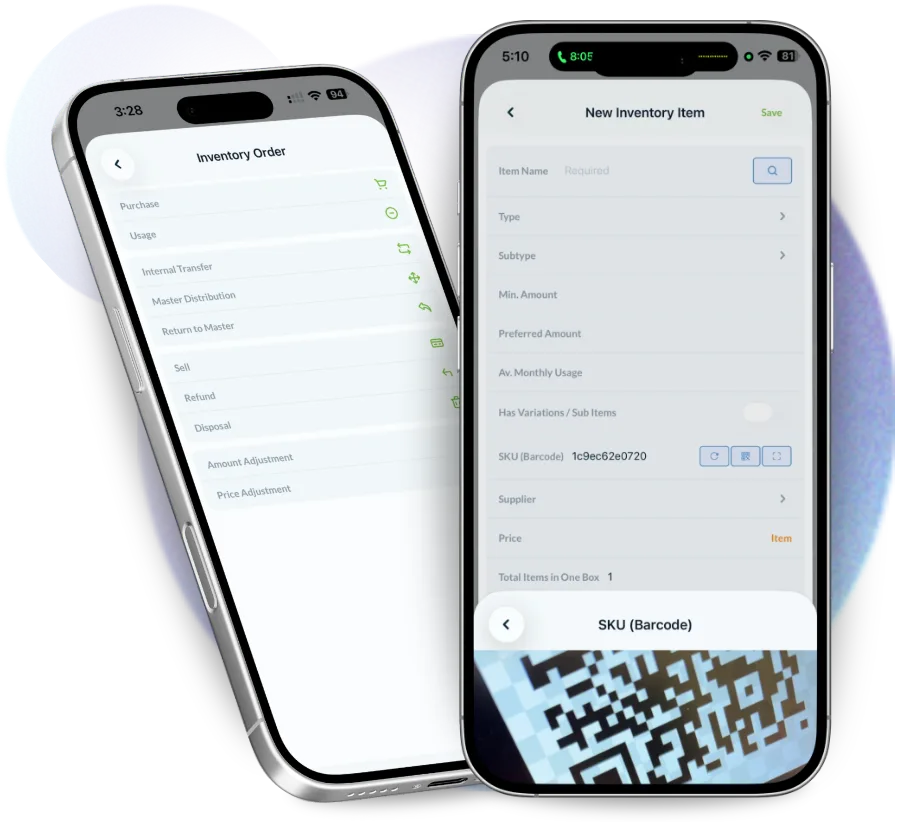
  • Outstanding balance, so nobody is treated twice before paying once
  • Insurance company and policy status at a glance
  • Last visit and next appointment, to spot who has fallen out of recall
  • Tags for anything the clinic tracks — VIP, orthodontic case, debtor, staff family
  • Medical alerts that follow the patient into every screen
A patient row in Dentolize showing balance, last visit and next appointment before the file is opened

Duplicates are the real enemy

Two records for one patient is how the same tooth gets treated twice, how a balance goes unchased and how a recall is sent to the wrong number. The fix is partly technical and partly process, and the software has to help with both.
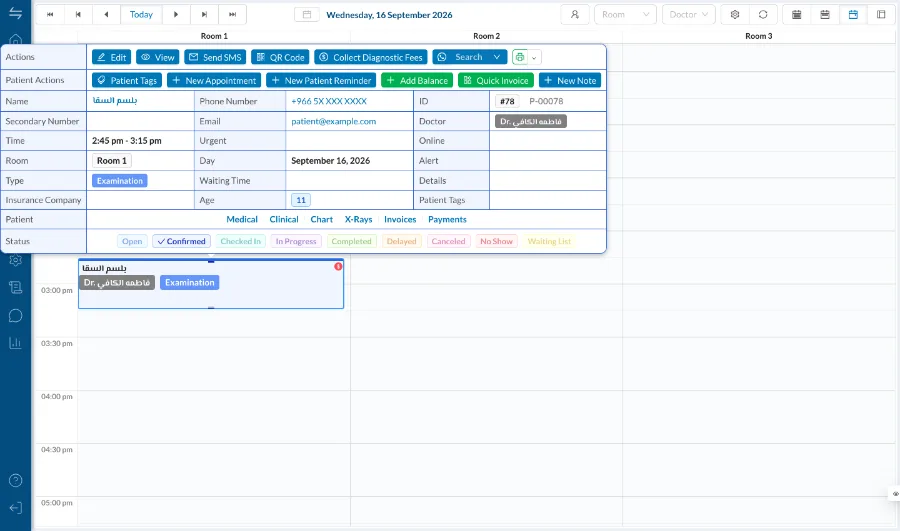
  • Duplicate detection on phone and national ID at the point of creation
  • Merge that keeps both histories rather than choosing one
  • Required fields set per clinic, so records cannot be half-created in a rush
  • An audit trail showing who created and who changed a record
Booking an appointment in Dentolize on desktop, against the existing patient file rather than a new one

Who works from the patient list

It is the screen the front desk lives in and the one owners use to understand who the clinic actually treats.

Front desk

Finds the right record in seconds, sees the balance and the alert before the patient reaches the chair.

Dentists

Opens a complete history rather than the part of it that happened at this branch.

Owners

Sees where patients come from, how many return, and which segments are growing without exporting anything.

By hand, and with Dentolize

A patient list kept in a spreadsheet or a per-branch system creates work that is invisible until it is expensive.

Doing it by hand

  • A separate file per branch
  • Search that needs exact spelling
  • Balances discovered at the desk
  • Duplicates found months later
  • No way to segment patients

With Dentolize

  • One record, whichever branch treats them
  • Search across name, phone, ID and file number
  • Balance visible on the list row
  • Duplicate detection at creation, with a safe merge
  • Tags, referral sources and filters on every field
Questions

Patients — frequently asked

What is dental patient management software?

It is the system holding every patient record a clinic keeps — contact details, medical history, treatment history, balances, insurance and documents — in one searchable place rather than across paper files and separate branch systems.

Can one patient be treated at more than one branch?

Yes. A patient is a single record across the whole account, so their chart, balance and history follow them between branches.

How do you stop duplicate patient records?

Dentolize checks phone number and national ID when a record is created and warns before it saves. If duplicates already exist they can be merged, keeping both histories.

Can we tag or segment patients?

Yes. Tags are defined per clinic and can be filtered on, which is what makes targeted recalls and campaigns possible later.

Can patient data be exported?

Yes, to CSV, Excel or print, subject to the permissions of whoever is asking.

See Patients on your own clinic

Thirty minutes on how your clinic actually runs, not a generic slideshow. We will call you within 24 hours.

Book a demo WhatsApp